character designer
game developer
comms_info.txt
TERMS OF SERVICE
If commissioning through Vgen, please read the ToS over there!
I have the full right to decline a commission for any reason whatsoever.
I reserve the right to revoke the usage of my work regardless of if it was for commercial usage or personal.
A full refund will be granted if a sketch has not yet been approved by the client. Afterwards, I may only grant partial refunds depending on the completion status of the commission. I may also decline a refund entirely if a commission is close to completion.
Deadlines will incur additional fees that depend on the given time frame. If a commission is not finished by the deadline, the deadline fee will be refunded. As per the refund policy previously stated, refunds for the initial cost of the commission without the deadline fee may be refused depending on the status of completion.
Commercial usage will incur an additional fee. This includes: thumbnail for a monetized video, loading screen for streams, merchandise graphics, promotional art, stream emotes. This does NOT include: profile pictures, profile banners, personal collection.
For character design commissions, commercial usage includes: mascot design, Vtuber model design, monetized media (such as books or comics).
Usage of my work for NFTs, crypto, or AI data training is strictly prohibited.
By default, I will post commissions with my signature once they are completed. Personal commissions can be requested to not be posted publicly for no additional cost. Commercial commissions will instead require an additional +$20 fee. Both personal and commercial commissions can also be requested to be posted at a specified date for free.
Clients can request for the finished commission to be private or posted at a scheduled date for no additional fee.
I cannot guarantee a timeline for a commission as I have several health issues that may cause commissions to take longer than expected. I kindly request your patience regarding any prolonged wait.
All edits and changes are free during sketch phase. After the sketch is approved, changes may incur a fee depending on complexity of the request. Serious mistakes (such as incorrect skin color, missing details, etc.) are always free, but this is typically resolved in the sketch phase.
My main payment method is through PayPal. If you are unable to use it, we can discuss another method.
Payment must either be made in full OR at least half prior to the start of the commission. I will not begin any work until payment has been received.
All listed prices are base estimates. The final price will depend on the complexity of the request (character design, posing, background, props, etc.)
Disability aids do not count as props and will not incur any additional fee UNLESS it is fantastical or flourished in design. However, this is considered part of the "character design complexity" and not a prop.
You are allowed to post the finished commission onto social media. Though no credit is necessary, claiming the art as yours is prohibited. (Credit is highly appreciated though!)
I will decline a commission if an AI-generated reference is given. Of course, this does not include accidental occurrences.
I will refuse any requests to replicate another artist's art style.
If contacting me through Bluesky or email, please make it clear in your first message that you are seeking to commission me. I will not respond to anything else.
I am always flexible and willing to listen to your requests. If you have any questions or concerns, reach out to me!
| OK ✓ | NO ☓ |
|---|---|
| animals (Pokemon, Sonic, etc.) | explicit NSFW (18+) |
| furries & kemono | excessive gore and viscera |
| suggestive poses/clothing1 | hateful & offensive content |
| stylized viscera & blood | fanart of real people (celebrities, YouTubers, etc.)2 |
| armor & weaponry | AI-generated concepts |
| stylized mecha | third party OCs unauthorized for use by client3 |
| all body types, genders, & races! | art intended for a fetish, regardless if the art itself is NSFW or not |
clothing must cover a character's genitals fully; exposed breasts are allowed.
this does not include art of people you know PERSONALLY, hence the distinction of fanart.
I will require proof of either prior approval OR proof of a mutual relationship (ex: following back, friends on Discord, etc).
CONTACT (*・ω・)ノ
Please do not contact me through Instagram, Twitter, or any other method not listed here! Your message may not go through due to technical issues that are out of my control.
about_me.txt
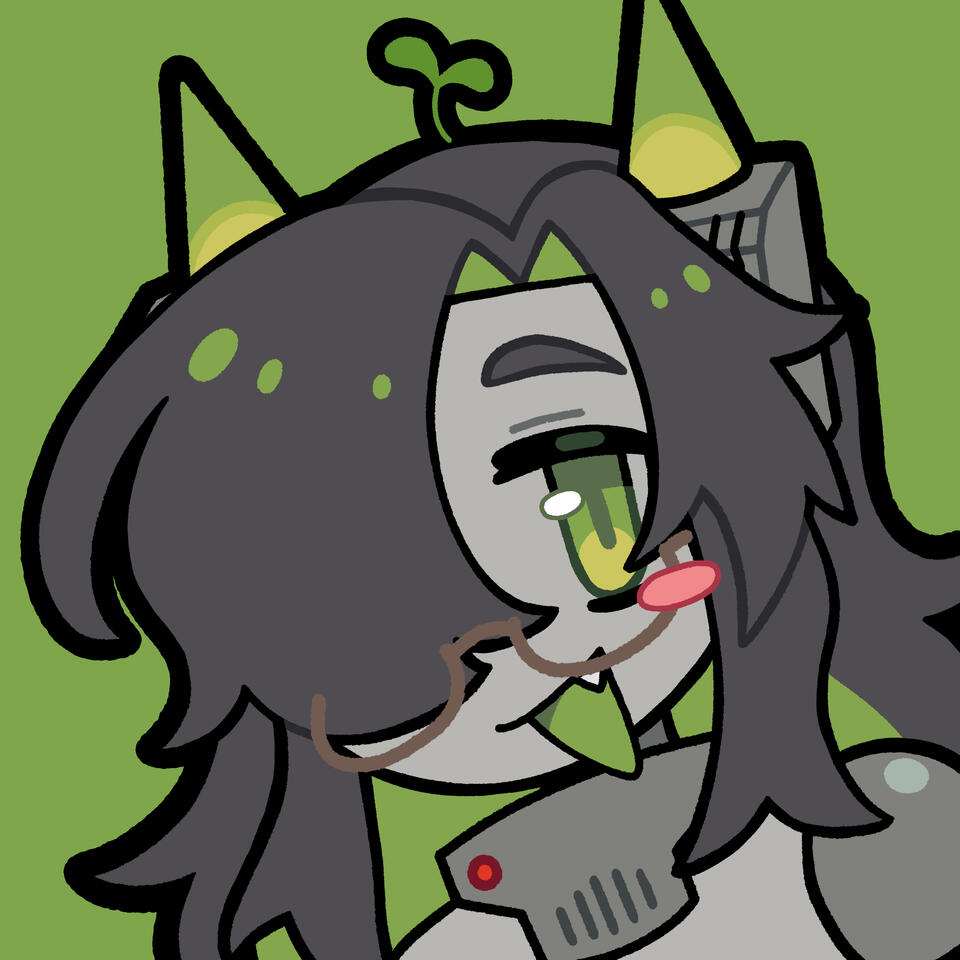
> Hello world!im f3rn (pronounced "fern")!! you may have previously known me as filth, but i ask that you refrain from that name unless we were close friends beforeim a nonbinary demisexual viet artist who loves drawing cute girls and cool characters! i make games sometimes, but most of them are WIPs :')
my favorite things are vocaloid, video games, and my OCs!!!!!currently undergoing a branding rehaul, sorry for any broken links/missing info!pronouns: he/him
timezone: CDT (UTC-5)
age: 21+ (i'd rather not specify more...)i have ADHD and social anxiety, so my communication skills may not be great. that being said, please feel free to message me first if you need anything!!! i always appreciate messages and comments, and i try to respond ASAP :D
FAQ
> What programs do you use?
I like to use a bunch of different software for my specific needs!For illustrations, I use Procreate for sketching & line-art. Then I transfer the files to IbisPaint for coloring & rendering. I like how brush strokes feel on Procreate more, but I absolutely hate coloring on it.I use FireAlpaca for pixel art, frame-by-frame animation, and low-res graphic design. It used to be my main art program before I switched to an IPad around 2024.For more high-res graphic design (such as posters or logos), I use Affinity. I prefer the feel of Illustrator much more, but Adobe subscription prices are insane.Before 2026, I used Live2D Cubism for tweening animation and Vtuber rigging. However I now use PixelOver for tweening. RIP my Live2D subscription...
_
> What devices do you use to draw?
For illustrative work, I use a 12.9 inch IPad Pro. When I'm working on my desktop, I use a Bluetooth Wacom Intuos Medium and a good ol' mouse and keyboard.
_
> Can I use your art for my profile picture/banner?
For commissioned work and art of my personal OCs, no. Otherwise if it's fanart, you may as long as you credit me! :)
_
> Can I repost/reupload your art?
No, not even with credits. The only exception is if you commissioned art from me, which in that case you have full rights to post your commission wherever you like. All I ask is for credit!Fanart of an established franchise (such as Pokemon or Vocaloid) may only be reuploaded for archival purposes on a public website with proper links and credits.
_
> Where is your shop? Do you still stream? What happened to...?
To keep it short, I was spreading myself out way too thin before. I burnt out really badly and am currently in a point of my life where I can't really just do whatever for the heck of it. Perhaps in the future I'll come back to these activities, but for now they are all on indefinite hiatus.This being said, I do have tons of leftover merch from my shop. If something caught your eye back then and you are wondering if you could snag one now, feel free to email me about it!
_
> Can I draw your OCs/sona?
I'd be honored if you did! Please tag me if you do! I also try to participate in ArtFight every year, so feel free to draw my lil guys there!!
_
> How do you make that dot gradient effect?
IbisPaint
↳ Create new layer
↳ Using pure black and an airbrush, paint where you want your gradients to be
↳ Open layers menu and change current layer's blending mode
↳ Select Screen Tone at the top of the Blending Mode menu
↳ Choose from the different size versions depending on what you like best!
↳ Create a new layer underneath the dot gradient layer
↳ Merge the dot gradient with the empty layer
↳ You can now recolor or edit the gradient freely!Procreate
↳ Create new layer
↳ Using pure black and an airbrush, paint where you want your gradients to be
↳ Open the Adjustments menu and select Halftone
↳ Select either Screen Print or Newspaper and slide your finger to adjust the size
↳ Clean up the dots (the filter leaves a couple messy dots)
↳ You can now recolor or edit the gradient freely!FireAlpaca
↳ Create a new 8-bit layer
↳ Using pure black and an airbrush, paint where you want your gradients to be
↳ Double-click this layer to open the Layer Property menu
↳ Check "Enable" next to Halftoning
↳ Adjust Halftone density to your liking
↳ Next to Color (Palette), you can set the color of your gradient
↳ The dropdown menu labelled Circles allows you to change the shape of your dots
↳ For manual editing, merge the dot gradient layer with a regular empty layer underneath
_
links.txt
All active socials ☆ミ(o*・ω・)ノ
| @f3rnware | |
| Bluesky | @f3rnware.bsky.social |
| @f3rnware | |
| VGen | f3rnware |
| Toyhouse | filthsama |
| Art Fight | filthsama |
| [email protected] |
Currently inactive socials (_ _*)
| Twitch | Filthsama |
| YouTube | Filth-sama |
| Tumblr | filthsama |
My Discord is only for private use and only occasionally given to others. Please do not ask for it.